
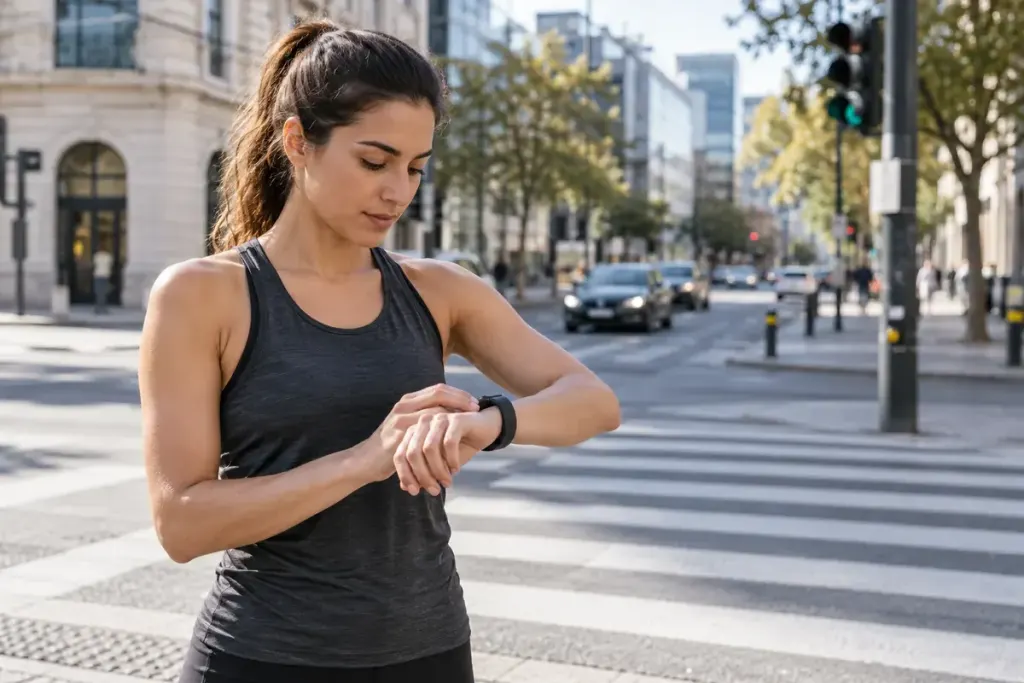
You run the same route with a friend, stop at the same crossings and finish together. Afterwards, your watches show different average paces. Before blaming GPS, check whether one device paused the activity timer while the other kept counting.
Auto-pause can make a record easier to read, but it changes which minutes appear in certain summaries. Garmin distinguishes moving, elapsed and activity time; labels and calculations can also differ between devices and the platforms receiving the uploaded activity.
Choose the measure that answers your question
Suppose a hypothetical five-kilometre outing takes thirty-five minutes from start to finish, including five minutes waiting at crossings. Thirty minutes of movement describes one part of the effort. Thirty-five minutes describes how long the outing occupied. Neither number becomes more useful merely because it produces a faster pace.
- For planning a lunch-break route, elapsed time matters.
- For examining uninterrupted running segments, lap or moving data may be more informative.
- For estimating a race result, remember that the event clock normally continues when you stop.
Check the threshold before a slow session
A watch may pause when you stop or when speed falls below a selected value. On a steep trail, a deliberate slow climb could therefore be treated differently from ordinary running. Read the device’s instructions and review the timeline after a session rather than assuming every gap represents a traffic light.
Keep the setting consistent when comparing similar workouts. If you change it, add a short note to the activity. For an interval session, manual laps may tell the story more clearly than a single average pace. The goal is a record that explains what you did, including the pauses that shaped the outing, instead of a summary that simply looks impressive.